Stories
Stories are the row of tappable circles familiar from social apps. Tapping one opens a full-screen viewer with auto-advancing slides, progress bars, swipe and keyboard navigation, and an optional link on every slide.
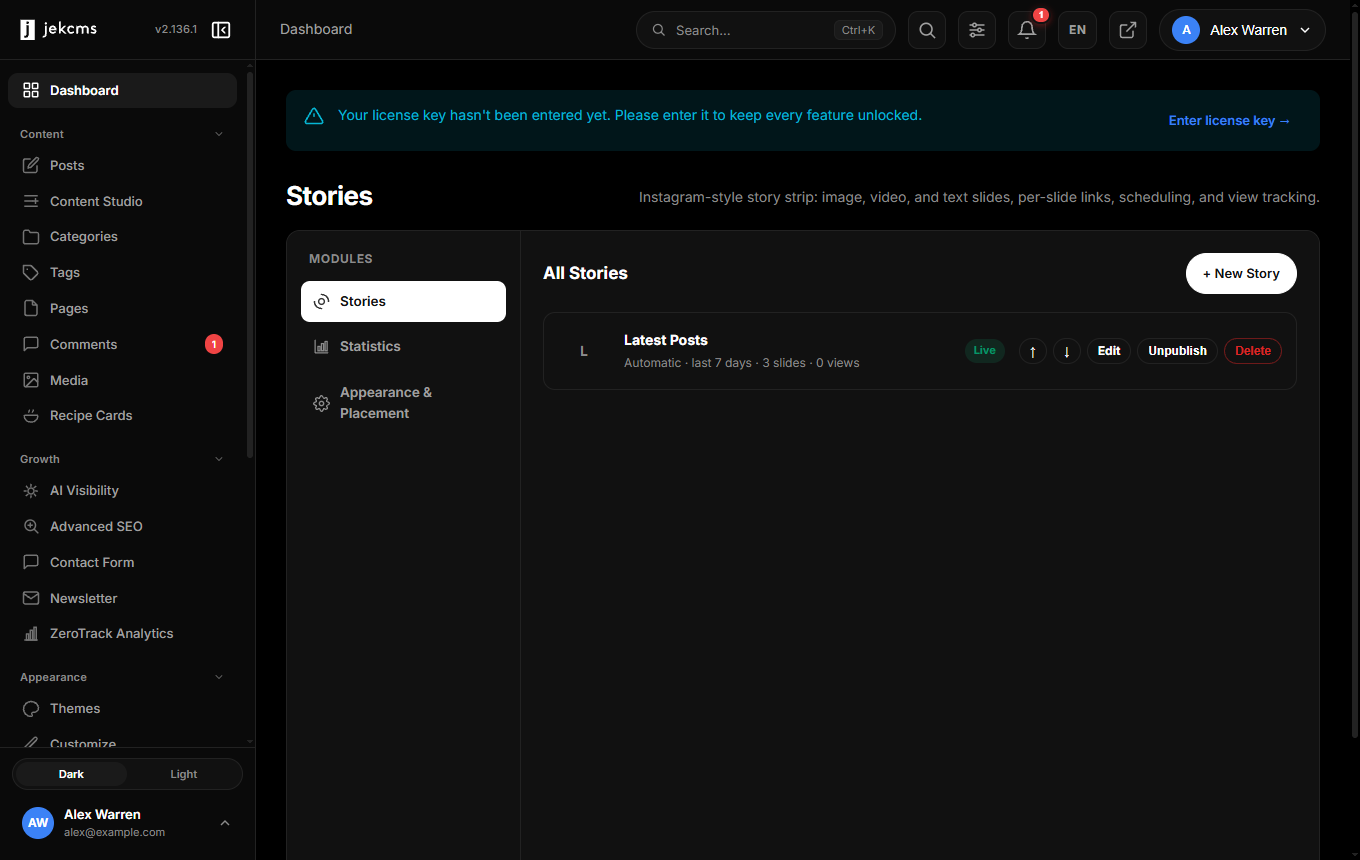
They come from the Stories plugin. If you do not see it in the sidebar, activate it under Plugins first.
Two kinds of story
The decision you make when creating one is its type, and it is worth understanding because it decides how much work the story costs you later.
A manual story is built slide by slide: images, video, text cards, polls. You control every frame. This is the right choice for a launch, an announcement, or anything with a deliberate sequence.
An automatic story fills itself from what you publish. You pick a window - the last 3, 7, 15 or 30 days, or a number you type - optionally a category, and an order (newest first, or most read). The story then plays those posts and keeps itself current without you opening it again.
The window is a rolling one. A story set to seven days always shows the last seven days, so it does not need to be rebuilt on Monday.
Why the type lives on the story
Earlier versions kept this choice in a global setting, which meant it was invisible on the screen where you actually create a story, and a site could only have one of them. Each story now carries its own type and configuration, so an automatic "This week" strip and a hand-built launch story can sit side by side.
Placement and ordering
Where the strip appears - homepage, article pages, or both - is a theme setting, and the order of the circles is yours to arrange. A story can be scheduled or expired, which matters for anything tied to a date: an event story that disappears by itself after the event is one less thing to remember.
Views
Each story records views per slide, which tells you something a page view cannot: where people stopped. A story that loses most of its audience on slide two has a slide-two problem, and that is usually a slide that asks for something before it has given anything.
Related
- Theme Customization - where the strip is placed and how it looks
- Media Library - slide images come from here