SEO Status
A site can be closed to search engines in three ways, and two of them do not appear when you view the page:
| Signal | Where it lives | Visible in page source? | |---|---|---| | X-Robots-Tag | HTTP response header | No | | robots.txt | A separate file at your domain root | No | | <meta name="robots"> | Inside the page HTML | Yes |
Google applies the most restrictive of the three. A site can have index, follow in its HTML, which is the only signal you can see, while a header or robots.txt keeps it out of search results completely.
Open Settings → SEO Status to see all three read from your live site, in the Indexability group at the top of the page.
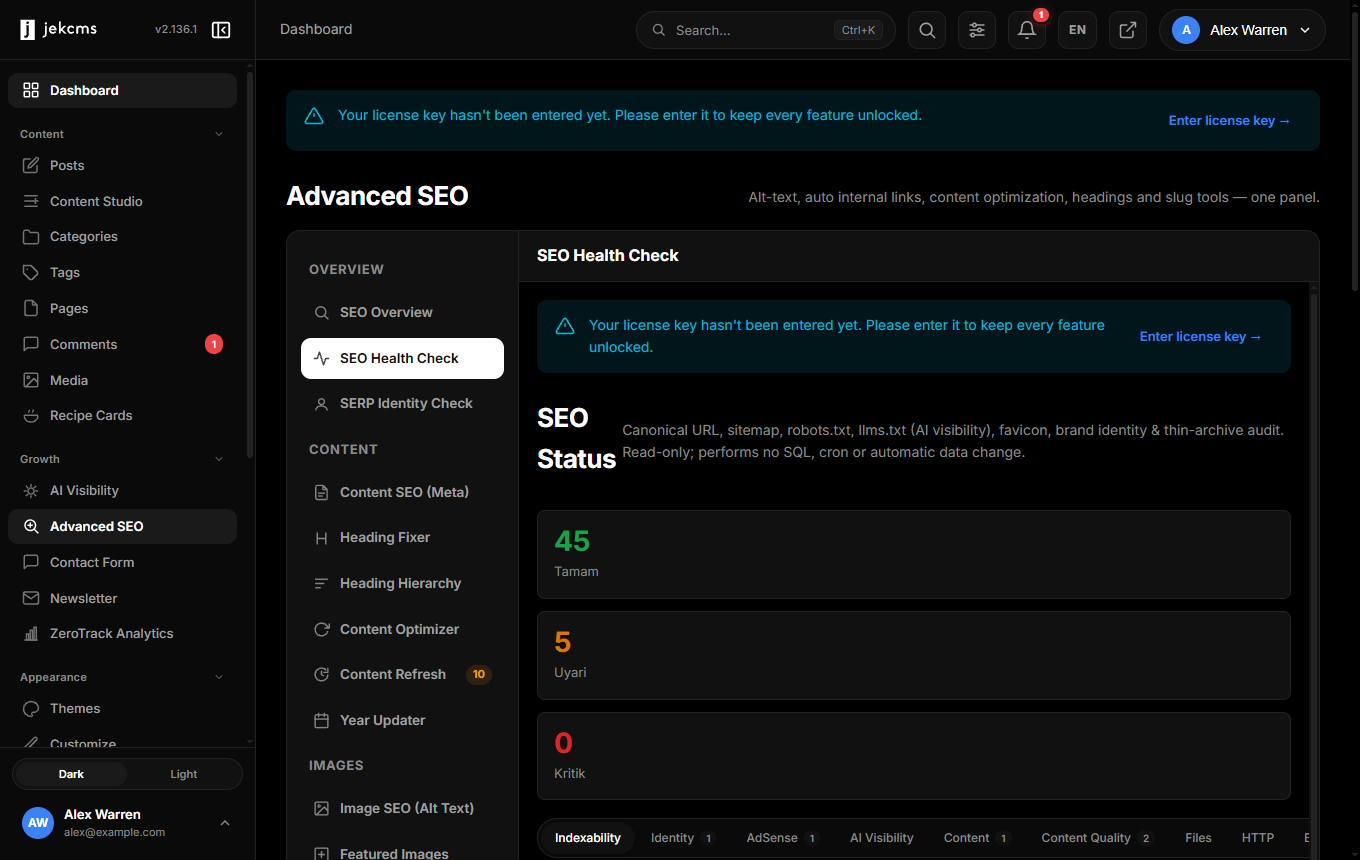
What the check reports
Search engine access - OK. All three signals agree and your site can be indexed. No action is needed.
Signals contradict each other. Some signals say "index" and others say "do not index". The three values are shown side by side so you can see which one is blocking. The most restrictive signal applies, so if any of them says "do not index", your site is not indexed.
An installed plugin is closing the site to search. Some plugins hide a site while it is being built. They send a noindex header and a blocking robots.txt, and you are expected to remove them at launch. The check shows the name of the plugin you need to disable. If your site is not ready yet, this is expected behaviour and you can leave it alone.
The HTTP header is set outside jekcms. jekcms only sends an X-Robots-Tag header in maintenance mode and on a few internal endpoints (preview, cron, webhooks). If you see one on a normal page while maintenance mode is off, it comes from somewhere else, and you will not find it in the jekcms files. Check these places instead:
- a
.user.inifile or anauto_prepend_filedirective on your server - your environment configuration, which is not part of the installed package
- a layer in front of your site (CDN, WAF, or a server-level rule)
On your own server you can locate it with:
grep -rn "X-Robots-Tag" /path/to/your/siteIf nothing turns up there, ask your host whether a rule is being applied in front of the site.
robots.txt blocks the whole site. The live robots.txt contains User-agent: * followed by Disallow: /, which stops Google from crawling any page. Check your robots rules under Settings → SEO. If they look correct there, a physical robots.txt file on the server is overriding the one jekcms generates.
Cached copies do not carry response headers. Pages served from the full-page cache are returning different headers than freshly built ones. This matters because the cached pages are your most visited pages. Update jekcms, then clear the cache under Settings → Performance.
Why the headers matter for caching
From version 2.136.0 the full-page cache stores the response headers alongside the page body and replays them on every cache hit. Before that, a cached page could return different indexing and security signals than the same URL built fresh, so the most visited pages were the most likely to lose them.
You do not need to configure anything for this. Cached copies from older versions are ignored and rebuilt automatically, so no page is served with the wrong headers during the change.
Related
- Settings → SEO - robots rules, AI crawler policy, sitemap options
- Tools → SERP Identity Check - how your site name and identity resolve for search engines