Licenses & Site Management
A jekcms license is tied to domains, not to a machine. You enter a key once per site and the site checks in periodically to confirm it is still valid.
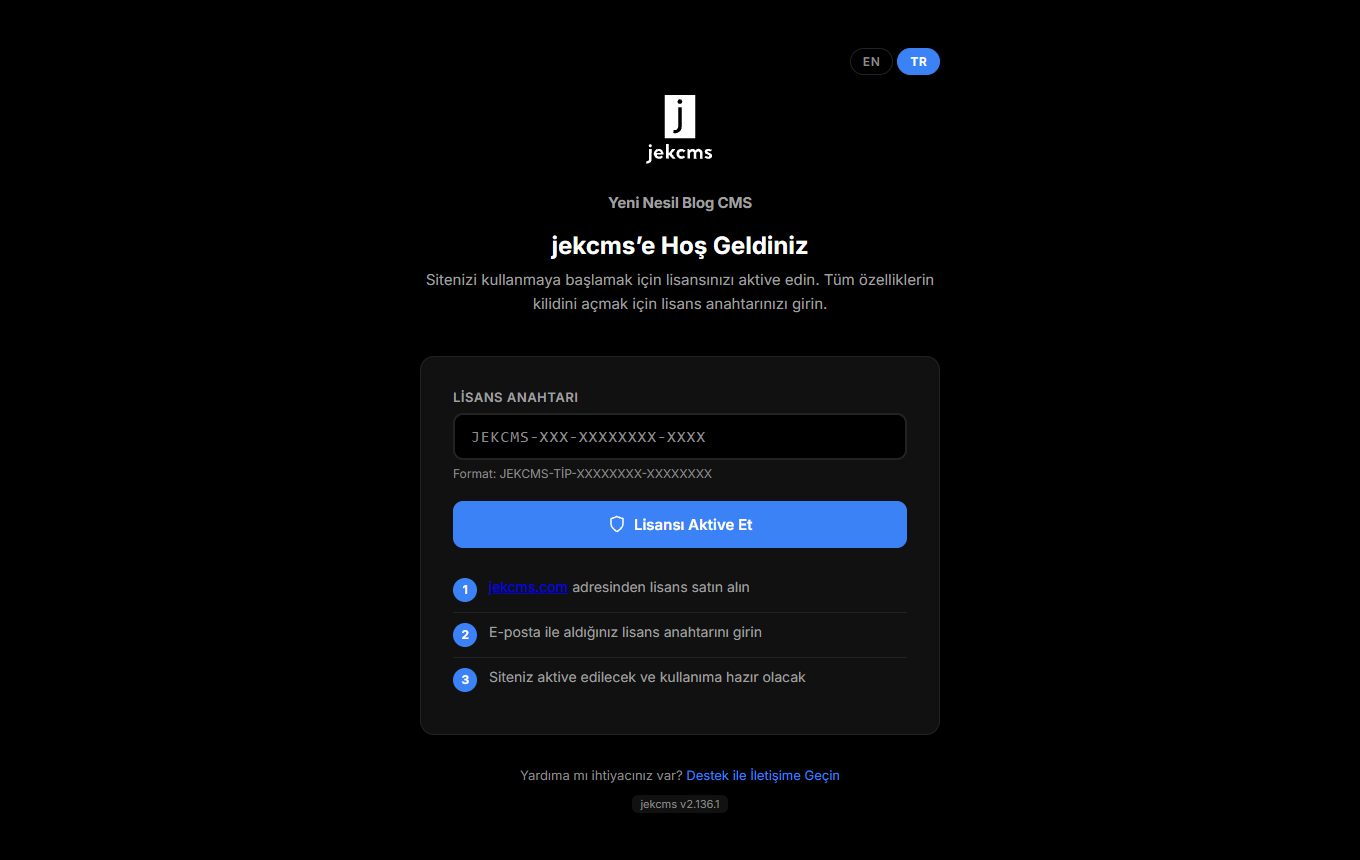
Activating
Paste the key you received by email and activate. The format is JEKCMS-TYPE-XXXXXXXX-XXXXXXXX, where the type segment tells you which tier you hold.
Tiers differ in how many domains one key can activate. A single-site key covers one domain; the larger tiers cover three, ten, or an unlimited number. A staging or development copy on a separate domain counts as a domain - plan for it rather than discovering it at launch.
What works without a license
The site keeps running. Visitors see everything, posts stay published, the front end does not degrade.
What a missing or expired license affects is the admin side: automatic updates stop, and features that carry a licensing cost - image conversion to AVIF and WebP among them - are held back. Nothing already converted is undone.
The grace period
Sites lose network access for reasons that have nothing to do with payment: a firewall change, a DNS problem, an outage at the host. jekcms does not treat a failed check-in as a revoked license.
The cached token keeps working through a grace window. As it ages, the panel warns you before anything changes. If it expires entirely, the admin becomes read-only - you can still see everything and the site keeps serving visitors, but new writing and AI features wait until the licence is reachable again.
The important part is the order: warning first, restriction later, and the public site never goes down over a licensing question.
Moving a site
If you rebuild on a new domain, release the old domain from your account and activate the new one. The key is the same; only the domain registration changes.
Related
- Updates - updates check the license before applying
- Settings Panel - Server tab, when you need to prove what the host supports