API Authentication
The jekcms REST API wants one thing from you: a token in a header. There is no OAuth handshake, no session cookie, no refresh flow. n8n, Make and Zapier all speak this dialect out of the box, which is the reason it was built this way.
Sending the token
Three header names work, and the API treats them identically. X-API-Key: YOUR_TOKEN is the plainest. Authorization: Bearer YOUR_TOKEN is what most automation tools default to. Api-Key: YOUR_TOKEN exists because a few clients send only that.
A request looks like this:
curl -H "X-API-Key: YOUR_TOKEN" https://yoursite.com/api/v1/postsEvery successful response comes back wrapped the same way - a success flag and a data payload:
{
    "success": true,
    "data": {
        "items": [],
        "total": 0,
        "pages": 0,
        "current_page": 1,
        "per_page": 20
    }
}
Errors use the same envelope with the flag flipped and a code repeated inside the object, so a client that only reads the body still knows what happened:
{
    "success": false,
    "error": { "code": 401, "message": "Unauthorized" }
}
The token is never read from the query string. Putting it there would only leak it into access logs.
Where tokens come from
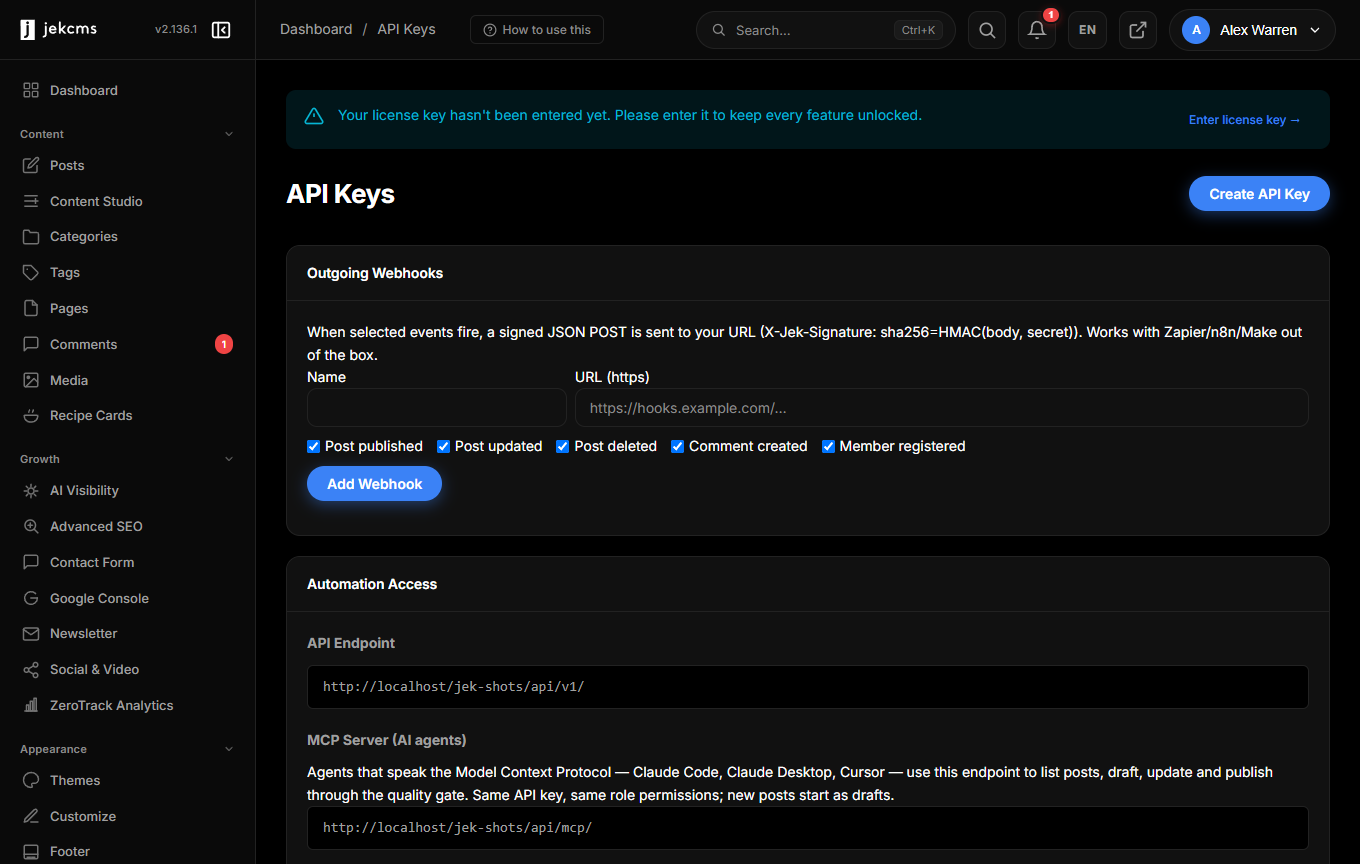
Admin → API Keys, a screen that requires an administrator login. Give the key a name you will recognise six months from now - n8n, zapier, mobile-staging - and optionally an expiry date. Leave the expiry empty and the key lives until you revoke it.
The full secret appears exactly once, on the screen that creates it. jekcms keeps only its SHA-256 hash, plus a masked fragment (first eight characters, last four) so you can tell rows apart in the list. Lose the secret and there is nothing to recover: create a new key and deactivate the old one.
Revoking sets the key inactive, and the next request fails - there is no cache to wait out. The list also shows a last-used timestamp, which is the quickest way to find keys nobody needs any more.
The role is the permission model
There are no scopes. A jekcms key has no posts:write flag and no per-key permission list. A key is a user account: it belongs to whoever created it, and it can do exactly what that person's role can do.
Because the API Keys screen is administrator-only, every key created through the admin panel belongs to an administrator and therefore carries administrator reach. Treat an API key as an admin credential - store it the way you would store a database password, and give each integration its own key so revoking one does not break the others.
Write operations are checked against ROLE_CAPABILITIES in config/constants.php:
| Role | What the key can do through the API | |---|---| | admin | Everything, including /users and /settings | | editor | Posts, pages, media, comment moderation, categories and tags | | author | Posts and uploads - and only its own posts | | subscriber | Read only |
A call without the required capability comes back as 403 with Insufficient role for this operation. An author reaching for somebody else's post gets 403 with You can only modify your own content. Categories, tags and comment moderation need editor or above; /users and /settings answer anything below administrator with a flat Forbidden.
One leftover to ignore: the api_tokens table has an abilities column from an earlier design. For API keys it is written and never read. It carries meaning only for outbound webhook rows, where it holds the subscribed event list.
Rate limit
The limiter counts per client IP, not per key: API_RATE_LIMIT requests in a rolling 60-minute window, default 100. The constant is defined in config/environment.php and reads an API_RATE_LIMIT environment variable when one is set.
Cross the line and every further request returns 429 with Rate limit exceeded until the oldest request in the window ages out. There is no Retry-After header, no X-RateLimit-* headers and no separate budget per key - two integrations behind the same IP share one counter. If you run a busy pipeline, raise the constant rather than retrying into the wall.
Authentication comes after the limiter, so even /api/v1/health consumes budget, and every endpoint requires a key.
What the token opens
Thirteen endpoints answer to a valid key: posts, media, categories, tags, comments, users, settings, webhook, trends, stats, sitemap, search and health. The webhook endpoint is the action-based automation surface described under Automation; the rest are conventional REST resources.
Posts created through the API go straight into the posts table. The API does not write to the content queue - see Content Queue for the paths that do.
Habits worth keeping
One key per integration, named after it, so revoking is a decision rather than an investigation. An expiry date on anything handed to a contractor or a short-lived pipeline. The secret in a real secret store - n8n credentials, an environment variable, a password manager - and never in a repository. And a revocation the same hour somebody leaves, rather than the same quarter.